SMS Waitlist: How Text-Based Queuing Replaced Coaster Pagers
Why SMS Won
SMS won the restaurant waitlist battle for one simple reason: the guest already has the device. No special hardware to hand out, lose, break, sanitize, charge, or replace. The average American checks their phone 144 times per day — they'll see a text within 90 seconds.
The reliability advantage is decisive: physical pagers have a 3-5% failure rate per shift (dead batteries, signal interference, guest walks out of range). SMS delivery rates exceed 98%. A missed pager buzz means a lost table turn; a missed text is virtually impossible.
Setting Up Your SMS Waitlist
Step 1: Choose your platform. POS-integrated (KwickOS, Toast — $0 extra) or standalone (Waitwhile, NextMe — $50-$200/month). If your POS has waitlist built in, start there. You can always upgrade later.
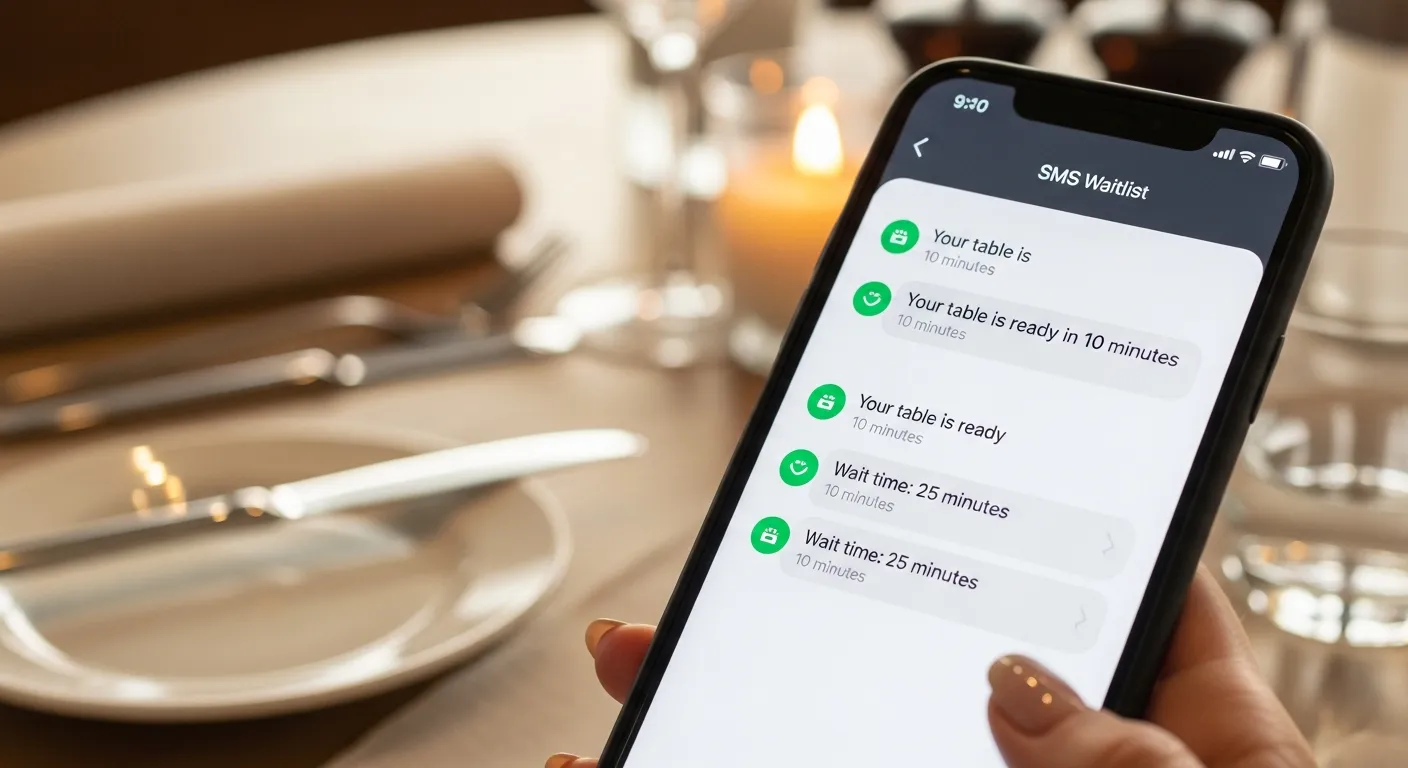
Step 2: Configure your SMS templates. You need three messages: Join confirmation ('You're on the list! Party of 4, position #6, estimated wait: ~25 min. We'll text when ready.'), Halfway update ('Almost there! About 12 more minutes for your table.'), Table ready ('Your table is ready! Please come to the host stand within 5 minutes.').
Step 3: Set up a host workflow. When a walk-in arrives with a wait: collect name, phone, party size → add to system → guest receives confirmation text → they wait wherever they want → system sends updates → table ready notification → host seats them.
SMS Template Best Practices
Keep messages under 160 characters (1 SMS segment). Longer messages split into multiple texts and feel spammy. Include only essential info: position, estimated time, and action needed.
Use a friendly but professional tone. 'Hey! Your table at Mario's is ready 🎉 Head to the host stand!' works better than 'Your table is now available. Please proceed to the host area.' Match your restaurant's personality.
Always include an opt-out: 'Reply LEAVE to exit waitlist.' This respects guest autonomy and gives you clean walk-away data instead of ghosted queue entries that clog your waitlist.
Common Mistakes to Avoid
Mistake 1: Over-messaging. Three texts is the maximum for a typical 20-30 minute wait. More than that feels pushy. For shorter waits (under 15 minutes), send only the confirmation and table-ready notification — skip the halfway update.
Mistake 2: Inaccurate estimates. If your system quotes 20 minutes but consistently delivers 35, guests lose trust in the texts. Calibrate your system with real data — track quoted vs actual wait for 2 weeks and adjust the estimation algorithm.
Mistake 3: No grace period. If you text 'table ready' and the guest doesn't appear in 60 seconds, don't give away their table. Standard grace period is 5 minutes. Include this in the ready text: 'Please arrive within 5 minutes to keep your table.'
Mistake 4: Ignoring the data. Your SMS waitlist generates rich data — walk-away rates, average waits, party size trends. If you're not reviewing this weekly, you're missing the most valuable part of the system.
Measuring SMS Waitlist Performance
Track weekly: response rate to table-ready texts (target: 85%+), average wait time by day/time, walk-away rate (target: under 15%), no-response rate (guests who never come when texted — consider them walk-aways), and queue-to-seat conversion rate.
The single most important metric is queue-to-seat conversion: of everyone who joins the waitlist, what percentage actually gets seated? Industry average with paper/pager systems: 70-75%. With well-implemented SMS systems: 82-88%. That 12-13% improvement translates directly to additional covers and revenue.
Ready to Upgrade Your Restaurant?
Use one documented host-stand workflow for pager assignment, ready alerts, table status, and pager return so the queue does not depend on memory during a rush.
Get a Free Demo →Become a KwickOS Reseller
Earn recurring revenue bringing KwickOS to restaurants in your area. Exclusive territories available.
Apply Now →