Pager Frequency, Interference, and Crowded RF Environments
The pagers work perfectly on Tuesday. On Saturday at 7:30, a third of them never go off. That pattern is a clue — and it points somewhere specific.
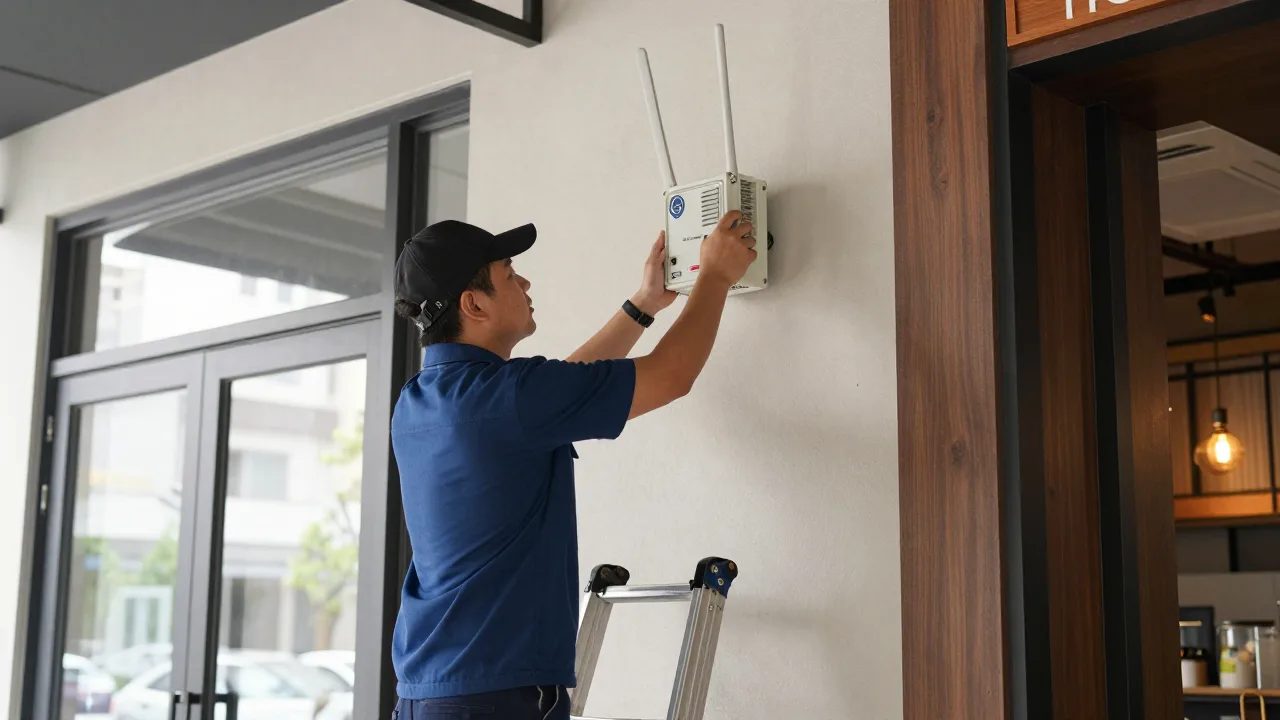
That Tuesday-versus-Saturday pattern is the most common paging complaint there is, and it gets misdiagnosed constantly. The usual first suspect is the pagers themselves — batteries, age, a bad batch. The second suspect is WiFi, because "interference" and "WiFi" have become synonyms in most people's heads. Both are usually wrong.
What actually changes between a quiet Tuesday and a packed Saturday is the radio environment: more bodies absorbing signal, guests spread farther from the transmitter, and every business around you running their own radios at exactly the same hour. Understanding that environment turns an unfixable mystery into a short list of testable causes.
This guide covers the bands paging equipment actually uses, what genuinely interferes with them, how to tell interference apart from plain distance, and a structured way to find your specific problem without buying anything first.
The Bands Restaurant Paging Uses
Three bands cover essentially the whole market in North America, and knowing which one you own changes everything about diagnosis.
| Band | Typical Use | Wall Penetration | Shares Space With |
|---|---|---|---|
| UHF, roughly 460–470 MHz | Traditional coaster paging, on-site paging | Good | FRS and business two-way radios, other on-site paging |
| 900 MHz ISM, 902–928 MHz | Newer coaster systems, some staff paging | Moderate | Cordless phones, wireless sensors, industrial telemetry |
| 2.4 GHz | App-linked and Bluetooth-adjacent systems | Poor | WiFi, Bluetooth, microwave ovens, wireless cameras |
That penetration column explains most range surprises. Lower frequencies have longer wavelengths that diffract around obstacles and pass through building materials with less loss, so a 460 MHz signal gets through a drywall partition and around a corner in ways a 2.4 GHz signal simply will not. In a building full of walls, coolers, and people, the boring old band wins — which is why traditional UHF paging has outlasted newer technologies. Find your own band on the FCC ID label on the base station before you troubleshoot anything.
Interference vs. Attenuation: They Feel Identical
Two very different problems produce the exact same symptom — a pager that does not go off — and they have completely different fixes.
Attenuation is your signal getting weaker on the way to the pager. Concrete, brick, foil-faced insulation, metal studs, walk-in coolers, elevator shafts, and human bodies all absorb radio energy. Nothing is competing with you; there just is not enough signal left when it arrives. The fix is more signal, better antenna placement, or a repeater.
Interference is something else transmitting energy that the pager's receiver has to compete against. Even a strong signal can be masked if the noise floor in that band rises high enough. The fix is a different channel, a different band, or removing the offending source.
Telling them apart matters because the remedies do not overlap. Here is the rough test: attenuation problems are consistent and geographic — the same corner fails every time, quiet night or busy. Interference problems are intermittent and time-correlated — failures cluster at specific hours, or when the pizza place next door is open, or whenever the exhaust hood ramps to high.
What Actually Interferes in a Restaurant
Set aside the general anxiety about "too many wireless devices" and look at the specific offenders that show up in real diagnoses.
Two-Way Radios Near 462 and 467 MHz
This is the most underestimated source for UHF systems. Consumer FRS walkie-talkies and many business two-way radios sit very close to common on-site paging frequencies. When your valet team, your event staff, or the retailer next door keys up a handheld near the host stand, a nearby pager receiver can be momentarily overwhelmed. It is brief, intermittent, and nearly impossible to reproduce on demand — which is why it goes undiagnosed for months.
A Neighbor's Paging System
In food halls, strip centers, and dense restaurant rows, two businesses frequently buy the same popular equipment on the same default channel. The result is not just noise; it is occasionally a page from the sandwich shop lighting up a coaster in your lobby. If you are in a multi-tenant property, ask your neighbors what they use. This is a ten-minute conversation that has saved operators from replacing an entire system.
Electrical Noise from Motors and Drivers
Variable-frequency drives on walk-in compressors and exhaust fans, cheap dimmers, and low-cost LED power supplies all generate broadband electrical noise. It does not target your paging band specifically; it raises the noise floor across a wide range. The tell is a correlation with equipment cycling — failures that spike when the hood is on high or the compressor kicks in.
Microwave Ovens — But Only for 2.4 GHz Systems
A commercial microwave oven is a high-power 2.4 GHz transmitter with a shield that degrades over time. If your notification system genuinely operates at 2.4 GHz, an aging microwave 20 feet away is a serious suspect. If you run a 460 MHz coaster system, the microwave is irrelevant. This is where a lot of bad advice circulates.
The Building Itself
Not interference strictly, but it belongs on any diagnostic list: stainless prep lines, metal-mesh stucco, foil-backed insulation, and low-emissivity glass are all effective RF barriers. Low-E glass surprises people — it is why a patio twelve feet away can have worse coverage than a parking lot two hundred feet away with a clear path.
Why Saturday Night Is a Different Radio Environment
Three compounding factors explain the weekday-versus-weekend pattern almost entirely.
- Bodies absorb RF. Human tissue is mostly water, and water absorbs radio energy well. A dining room with 180 people in it presents meaningfully more loss than the same room empty. Multiply that across a crowded lobby and the difference is not subtle.
- Guests spread out. On a Tuesday with a five-minute wait, everyone stands by the door. On Saturday with a 45-minute wait, guests wander to the far end of the parking lot, the bar next door, and the bench down the block — well past the coverage edge you validated during an empty-room test.
- Everyone else is transmitting. Your neighbors' paging systems, valet radios, event staff handhelds, and delivery drivers' devices are all at peak activity in exactly your peak hours.
The practical implication: any coverage test run in an empty restaurant is close to worthless. Verify coverage on a full Saturday, walking the actual perimeter guests use, or you are validating a scenario that never occurs. Our real-world range test at 500 feet shows how far spec-sheet numbers drift once a room is occupied, and the range and reliability comparison puts the common system types side by side.
A Structured Diagnostic Sequence
Work through this in order. Each step is cheap, and each one eliminates a class of cause. Do not skip ahead to buying equipment.
- Verify the pager, not the system. Take a failing unit, stand three feet from the base, and page it ten times. If it misses even once at three feet, the pager or its battery is the problem and no amount of RF work will help.
- Map the failure geography. Using your log, mark every failure location on a floor plan. A cluster means attenuation in that direction. Scatter means interference or a base station problem.
- Check the antenna environment. Look at what physically surrounds the transmitter. Stainless shelving, a metal podium frame, a POS terminal, or a stack of card readers within a foot of the antenna is a very common and very fixable cause.
- Test with the building quiet. Before open, page the far corners. Then repeat with the exhaust hood on high and the walk-in compressor running. A difference implicates electrical noise.
- Ask the neighbors. In a shared property, find out who else runs paging or two-way radios and on what. Same-channel neighbors are common in strip centers.
- Repeat under full occupancy. Run the same corner test on a busy Saturday. This is the test that matters, and it is the one almost nobody runs.
- Only now, change something. With a diagnosis in hand, pick the cheapest fix that addresses it.
If step one shows individual units failing close to the base, you have a hardware problem rather than an RF problem, and our pager troubleshooting guide covers battery, contact-pin, and housing failures in more depth.
Fixes, Ranked by Cost
| Fix | Cost | Addresses | Notes |
|---|---|---|---|
| Relocate or remote-mount the antenna | $0–$60 | Attenuation, local electrical noise | Highest hit rate of anything on this list |
| Move the base off shared power | $0–$25 | Conducted electrical noise | Separate circuit or a decent line filter |
| Change channel or frequency | Usually free | Neighbor and radio conflicts | Vendor-dependent; some units are field-configurable |
| Raise transmit power (if adjustable) | $0 | Attenuation | Confirm you stay within your equipment's authorization |
| Add a repeater | $200–$600 | Dead zones, patios, second floors | Adds a second failure point; place it deliberately |
| Move to a different band | $800–$2,500 | Persistent co-channel congestion | Last resort; means replacing the fleet |
Antenna relocation sits at the top for a reason: in field diagnostics it resolves a large share of "our pagers don't work" complaints for the price of a coax extension. Restaurants that jump straight to replacing hardware frequently reinstall the new base in the same metal-lined cubby and reproduce the identical problem. Outdoor waiting areas deserve separate treatment, since patios combine distance, low-E glass, and often a masonry wall — the exact combination that defeats a counter-top transmitter, and the subject of our guide to outdoor patio pager solutions.
Example scenario: Alder & Oak, Denver
Illustrative scenario — a composite example built to show how the numbers work. It does not describe a real business or customer.
Alder & Oak ran a 130-seat restaurant in a converted brick warehouse with a 50-seat patio. Guests on the patio missed pages consistently on weekend nights but almost never on weeknights. The operator was two weeks from replacing the entire system when he ran a failure log instead. The pattern was unambiguous: failures clustered between 6:30 and 9 p.m., only on Friday and Saturday, and only on the patio. A conversation with the brewery two doors down revealed they had installed a paging system four months earlier — same manufacturer, same default channel, used heavily on exactly those nights. The vendor moved Alder & Oak to a different channel over the phone at no cost. Patio missed pages went from an estimated 15 percent of parties to under 2 percent. Total spend: one phone call and a $38 coax extension to move the antenna off a steel column while they were at it.
Coexisting With the Rest of Your Wireless
A modern restaurant is a dense radio environment: guest WiFi, staff WiFi, handheld POS terminals, card readers, Bluetooth speakers, wireless temperature probes, kitchen display systems, security cameras. It is reasonable to worry about all of that competing with paging.
The reassuring news is that traditional paging lives in a band nothing else in your building uses. A 467 MHz coaster system and a 5 GHz access point are not in the same neighborhood and cannot collide. The one real caution is app-based or Bluetooth-linked notification, which does share space with WiFi and does degrade in saturated environments — a reason to treat your restaurant network design as part of your notification reliability plan rather than a separate concern.
The broader trend is more radios, not fewer. Every additional device — and the direction of travel in connected restaurant equipment is clearly upward — adds to the ambient noise floor, which argues for keeping guest notification on a quiet, purpose-built band rather than piling it onto congested spectrum.
Common Mistakes
| Mistake | Why It Hurts | The Fix |
|---|---|---|
| Blaming WiFi by default | Different band entirely for most systems | Identify your band from the FCC ID first |
| Testing coverage in an empty room | Crowds change the RF picture substantially | Re-test at full occupancy on a peak night |
| Replacing the system before diagnosing | Same placement reproduces the same failure | Run a two-week failure log first |
| Ignoring neighboring tenants | Same-channel neighbors are common and free to fix | Ask what equipment they run |
| Antenna buried in metal millwork | Steel shields the signal at the source | Remote-mount the antenna clear of metal |
| Adding a repeater without a diagnosis | Adds cost and a failure point, may not help | Confirm a geographic dead zone first |
Design for the Worst Night, Not the Average One
Paging reliability is a peak-load problem. The system you validated on a Tuesday afternoon is not the system your guests use on a Saturday at 7:30, and bodies, distance, and neighbors all move against you at exactly the moment a missed page costs the most.
So build in margin. Assume roughly a third of the advertised range indoors. Test occupied. Log failures instead of guessing. And when a page goes unanswered, have a second channel ready to catch it, so a dead spot in the far corner of the lot does not turn into a table sitting empty for six minutes.
When the Page Doesn't Land, Have a Backup
KwickOS logs every guest notification and escalates automatically when nobody responds — so a dead spot in the parking lot becomes a text message instead of an empty table and a lost party.
See how KwickOS handles guest notification →