ADA and Accessibility Considerations for Guest Paging
Handing someone a coaster assumes they can see it flash, hear it beep, feel it buzz, and hold it. Every one of those assumptions leaves someone out.
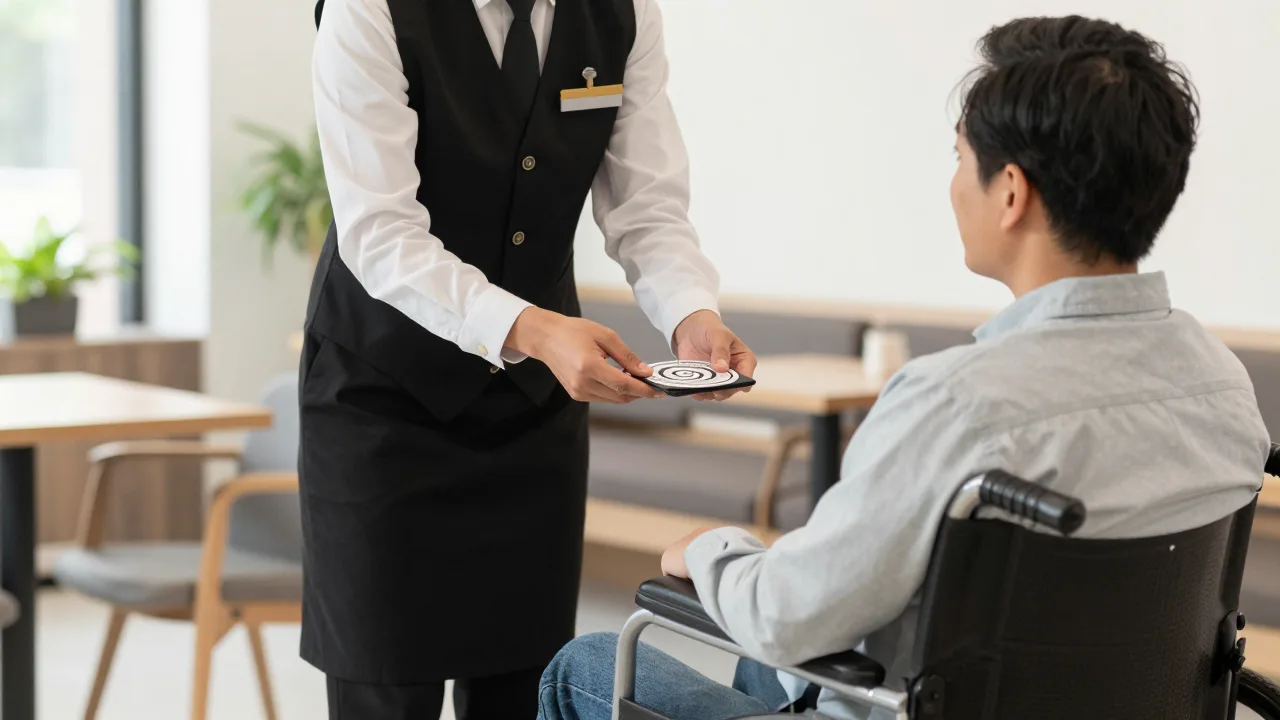
A coaster pager is a small marvel of inclusive design that nobody set out to make inclusive. It flashes, it buzzes, and it beeps — three channels at once. That redundancy is why it works so much better than the practice it replaced, which was a host shouting names across a crowded lobby. Shouting names has exactly one channel, and it fails completely for anyone who cannot hear it.
But the pager is not the end of the story, because it still assumes four things about the person holding it: that they can see a flashing light, or hear a tone, or feel a vibration, and that they can physically hold and carry a three-inch disc. Most guests satisfy at least one of those. Not all do. And the guests who do not are precisely the ones most likely to be standing in your lobby wondering whether they have been forgotten.
This is a practical guide to closing that gap: what accessibility law generally expects, which assumptions each notification method makes, and how to build a host-stand process that quietly works for everyone. It is general information rather than legal advice — for your specific obligations, talk to counsel or an ADA specialist, and the ADA National Network and ADA.gov both publish free guidance for small businesses.
What the Law Generally Expects
Restaurants are public accommodations under Title III of the Americans with Disabilities Act. Three broad obligations are relevant to how you run a waitlist.
- Effective communication. You are expected to communicate with guests with disabilities as effectively as with anyone else, providing auxiliary aids or services where needed. Telling a party their table is ready is communication.
- Reasonable modification of policies. If your standard practice does not work for a particular guest, you are generally expected to modify it, unless doing so would fundamentally alter your service. "We only use pagers" is a policy, and policies bend.
- Accessible physical spaces. The 2010 ADA Standards for Accessible Design govern the built environment, including routes, seating, and door clearances. Your waiting area is part of that environment.
Notice what is absent: any mention of pagers, texts, or specific technology. Regulators describe outcomes, not devices. That is genuinely good news for operators, because it means a $600 hardware purchase is never the answer by itself — and a well-trained host with a notepad can achieve compliance that expensive equipment alone cannot.
The Four Assumptions Every Notification Method Makes
Map each channel against what it requires of the guest and the gaps become obvious.
| Method | Requires | Works Well For | Leaves Out |
|---|---|---|---|
| Shouting names | Hearing, English fluency, proximity | Small rooms, short waits | Deaf and hard-of-hearing guests, anyone outside, noisy rooms |
| Coaster pager | One of sight, hearing, or touch; grip | The large majority of guests | Deafblind guests, limited hand sensation or dexterity |
| Text message | A phone, signal, willingness to share a number | Guests using screen readers or custom alert settings | No phone, no signal, privacy-conscious guests |
| Overhead announcement | Hearing, attention, audibility | Nobody, really — worst of all options | Same as shouting, plus it is harder to hear |
| Wall display board | Vision, line of sight, staying in view | Food halls, counter service | Blind and low-vision guests, anyone who steps outside |
| Personal escort | Nothing from the guest | Everyone — the universal fallback | Staff time; needs the party's location recorded |
The bottom row is the important one. A host walking over is the only method that requires nothing of the guest at all, and it is the answer whenever every other channel is in doubt. It costs thirty seconds of labor, and it only happens reliably if the party's location is written down at check-in — a process question, not a technology question. The full trade-offs between the hardware and software channels are in our guest notification system comparison; what follows is the accessibility layer on top of whichever you choose.
Offer a Menu, Don't Ask a Question
Here is the single most important practice in this entire article, and it costs nothing to implement.
Offer every guest the same menu of options, in the same neutral sentence, every time. Something like: "I can give you this pager, send you a text, or just come find you — whatever's easiest."
Notice what that accomplishes. Nobody has to disclose a disability or ask for an accommodation, which many people will not do because it feels like asking for a favor. A guest with low vision picks the text, a guest with limited hand sensation picks the escort, a guest who simply does not want to carry a disc picks the text too — and none of them had to explain themselves to a stranger in front of a line of people. That is the practical core of universal design: build the accommodation into the default so it never has to be requested.
What you should never do is ask a guest about a diagnosis, ask for proof, or make a visible show of doing something special. Beyond being legally fraught, it is undignified, and it is the kind of interaction guests remember and write about.
The Waiting Area Itself
Notification is half of it. The physical space where guests wait carries its own set of accessibility considerations, and they are easy to overlook because staff never experience the lobby the way guests do.
- Seating in the waiting area. A lobby with no seating is a barrier for guests who cannot stand for twenty minutes, including many people with chronic conditions who would never identify themselves as disabled. A few chairs solve it.
- A clear route. Sandwich boards, host stand queue posts, high-chair stacks, and holiday displays migrate into circulation paths over time. Walk your entry monthly and check that a wheelchair or walker has an unobstructed route from door to host stand to table.
- Space to wait without blocking. Guests using mobility devices often end up positioned in the traffic path because nowhere else fits. Designate a spot that is out of the flow.
- Service animals. Staff should know the two questions permitted under ADA guidance and, more importantly, know not to ask anything else. Train it explicitly; this is a frequent source of complaints.
- A quieter option. For guests with sensory sensitivities, a corner away from speakers or a spot outside can transform the wait. It costs nothing to offer.
- Table assignment. If a party will need an accessible table, capture it at check-in rather than discovering it while walking them to a booth they cannot use.
Most of this is covered in more depth in the broader guidance on making a restaurant genuinely accessible, which goes beyond the entry into dining room layout, restrooms, and menus.
Where SMS Genuinely Outperforms Hardware
Text notification deserves specific attention here, because for a meaningful group of guests it is not merely equivalent to a pager — it is better.
A guest's own phone already carries their accessibility configuration. Screen reader on, font scaled up, vibration pattern customized, sound profile set the way they need it. No coaster in your rack can match a device the guest has tuned to themselves over years — when a blind guest receives a text, their phone reads it aloud in the voice and speed they chose. SMS also carries information a pager cannot: "your table is ready, please see the host at the front desk" tells a guest what to do next, where a vibrating coaster says only "something happened."
But text is not universal, and treating it as a replacement creates new exclusions: guests with no mobile phone, no signal in a basement dining room, no wish to hand a number to a restaurant, or no texting configured at all. Our SMS paging guide covers the operational side; the accessibility takeaway is that SMS belongs in the menu alongside the pager, not instead of it.
Example scenario: a 120-seat restaurant near a medical campus fixing its notification process
Illustrative scenario — a composite example built to show how the numbers work. It does not describe a real business or customer.
Consider a 120-seat restaurant near a large medical campus that receives a complaint from a deafblind guest who waited 50 minutes and was paged four times without knowing it. The party eventually approached the host stand to ask, and their table had been given away twenty minutes earlier. Suppose the general manager buys no equipment at all. Instead, one required field is added to the waitlist — how this party wants to be notified — and the greeting script is rewritten so every host offers all three options in one sentence to every guest. Hosts are trained to write a physical description and location for any party choosing the escort option. Over the next quarter, roughly 8 percent of parties choose text and about 2 percent choose the escort, a share far larger than most managers would expect, and one that includes plenty of guests with no disability at all who simply prefer it. Wait-related complaints drop by about a third overall. The lesson in this example: what looked like an accessibility problem was actually a process problem, and fixing it made the wait better for everyone.
Train the Script, Not the Sentiment
Accessibility training in restaurants usually fails the same way: someone delivers a well-meaning talk about treating all guests with respect, everyone nods, and nothing changes on Saturday night. What changes behavior is a specific script and a specific field on a specific screen.
- Write the offer sentence down and put it on the host stand. One sentence, three options, every guest.
- Make the notify-how field required so it cannot be skipped during a rush.
- Define the escort protocol. Who walks over, what they say, how the location gets recorded and handed off at shift change.
- Drill the service animal rules until they are automatic, including what staff must not ask.
- Set a no-page-goes-unanswered rule. If a party has not responded after two pages, someone physically goes and looks rather than assuming they left.
- Rehearse the recovery. When a notification does fail, the response is an immediate apology, a table right away, and no argument about whose fault it was.
That last point matters more than operators expect. A guest who missed a page and lost their table is having a bad experience regardless of the reason, and the recovery determines whether it becomes a story they tell. The principles in handling guest complaints well apply directly — move fast, take responsibility, fix it materially, and do not make the guest advocate for themselves twice in one visit.
Common Mistakes
| Mistake | Why It Hurts | The Fix |
|---|---|---|
| Assuming the pager covers everyone | Still requires sight, hearing, or touch plus grip | Offer text and escort as standing alternatives |
| Waiting for guests to request help | Most people will not ask a stranger for an accommodation | Offer the menu to every guest by default |
| Asking about a disability | Undignified and legally fraught | Offer options; never ask why |
| Storing the preference in a host's memory | Evaporates at shift change mid-wait | Required notify-how field on the waitlist entry |
| Calling names as the primary method | Excludes deaf guests and anyone outside | Use it as backup only, never as the default |
| Blocked circulation paths | Sandwich boards and stacked chairs creep in over time | Walk the entry monthly with clearance in mind |
The Business Case, Briefly
It helps in a budget conversation: a very large share of the population has a disability, and that share rises steeply with age, which correlates with dining spend. Add the parties travelling with them — a group of four does not split up over an inaccessible lobby — and the impact is far larger than the number of guests who visibly need an accommodation.
These changes also improve the experience for everyone. Seating helps tired guests. Text notification helps people who want to sit in their car. A host who comes to find you helps a party absorbed in conversation. That is the reliable pattern in accessibility work: the accommodation becomes the amenity. It is why the wait is such high-leverage ground in the broader guest experience during wait times, and why table-ready notification practice deserves more thought than "hand them a buzzer."
Record the Preference, Not Just the Party
KwickOS keeps how each party wants to be notified on the waitlist entry itself — pager, text, or come find them — so the preference survives a shift change and nobody waits fifty minutes for a page they could never perceive.
See how KwickOS manages the waitlist →